Data Science/시각화
파이썬 시각화 그래프 여러개 그리기 plt.subplots
상어군
2021. 11. 5. 02:49
반응형
시각화 그래프를 나타 낼 때, 여러개의 그래프를 그리는 법.
1. 필요 라이브러리
import seaborn as sns
import matplotlib.pyplot as plt
2. 데이터 준비
df = sns.load_dataset("iris")
데이터 샘플 불러오기에 대해서 자세히 알고싶다면 아래의 포스팅을 참고하세요.
https://csshark.tistory.com/54
3. 그래프 여러개 그리기
오늘 사용할 그래프는 seaborn의 distplot입니다.
seaborn의 distplot는 다음 포스팅에서 자세히 확인 가능합니다.(https://csshark.tistory.com/53)
sns.distplot(df['sepal_length'])
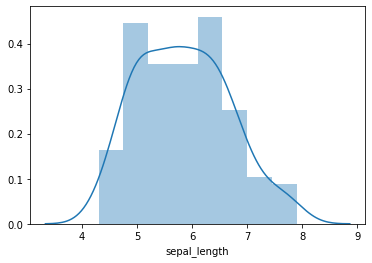
3.1 가로로 그래프 여러개 그리기
fig, ax = plt.subplots(ncols=2)

sns.distplot(df['sepal_length'], ax=ax[0])
sns.distplot(df['sepal_width'], ax=ax[1])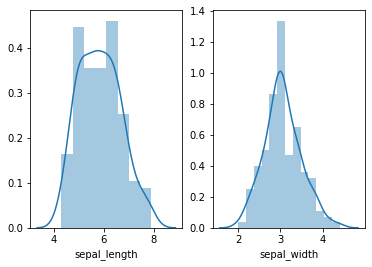
3.2 세로로 그래프 여러개 그리기
fig, ax = plt.subplots(nrows=2)

sns.distplot(df['sepal_length'], ax=ax[0])
sns.distplot(df['sepal_width'], ax=ax[1])
3.3 m*n개의 그래프 그리기
fig, ax = plt.subplots(ncols=2, nrows=2)

sns.distplot(df['sepal_length'], ax=ax[0,0])
sns.distplot(df['sepal_width'], ax=ax[0,1])
sns.distplot(df['petal_length'], ax=ax[1,0])
sns.distplot(df['petal_width'], ax=ax[1,1])
3.4 그래프 사이즈 조정하기
fig, ax = plt.subplots(ncols=2, nrows=2,  figsize=(20,20))

sns.distplot(df['sepal_length'], ax=ax[0,0])
sns.distplot(df['sepal_width'], ax=ax[0,1])
sns.distplot(df['petal_length'], ax=ax[1,0])
sns.distplot(df['petal_width'], ax=ax[1,1])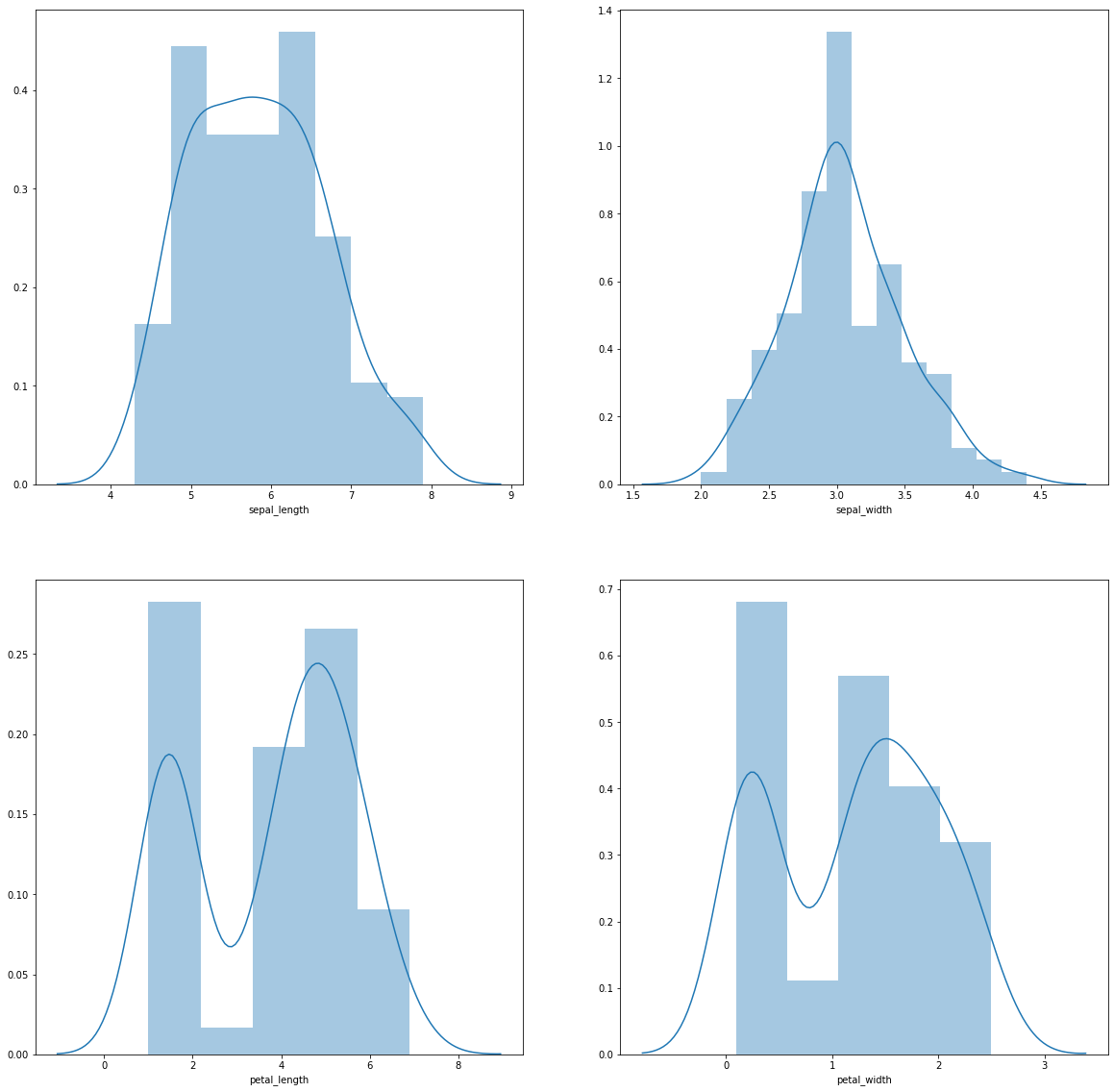
3.5 for문을 이용해서 전체 컬럼에 대해서 그래프 그려보기
단, 수치형 값을 가지는 컬럼만 포함되어야합니다.
col_n = 2
row_n = 2

fig, ax = plt.subplots(ncols=col_n, nrows=row_n, figsize=(20,row_n*5))

# 마지막 컬럼은 문자형 값을 가지기 때문에 [:-1]로 범위지정함
for i,col in enumerate(df.columns[:-1]):
    sns.distplot(df[col], bins=20, ax=ax[int(i/col_n),int(i%col_n)])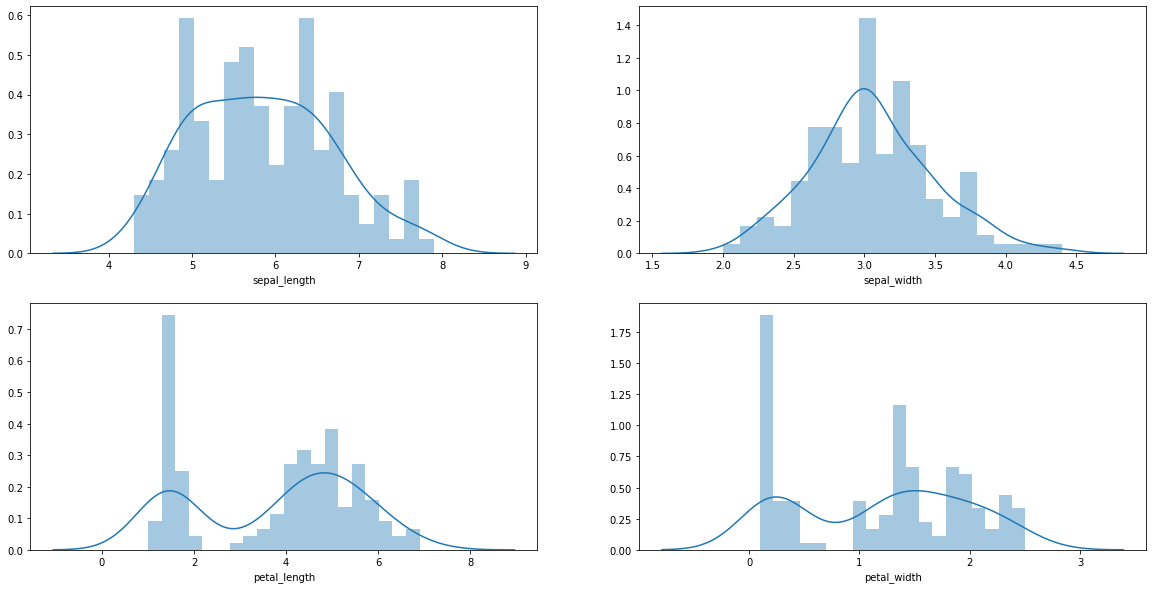
반응형